
Google Search Console
to connect your Google Search Console account to Peasy, follow the steps below:
go to your dashboard and click on the
settingstab. under theintegrationssection, click on theconnect google search consolebutton.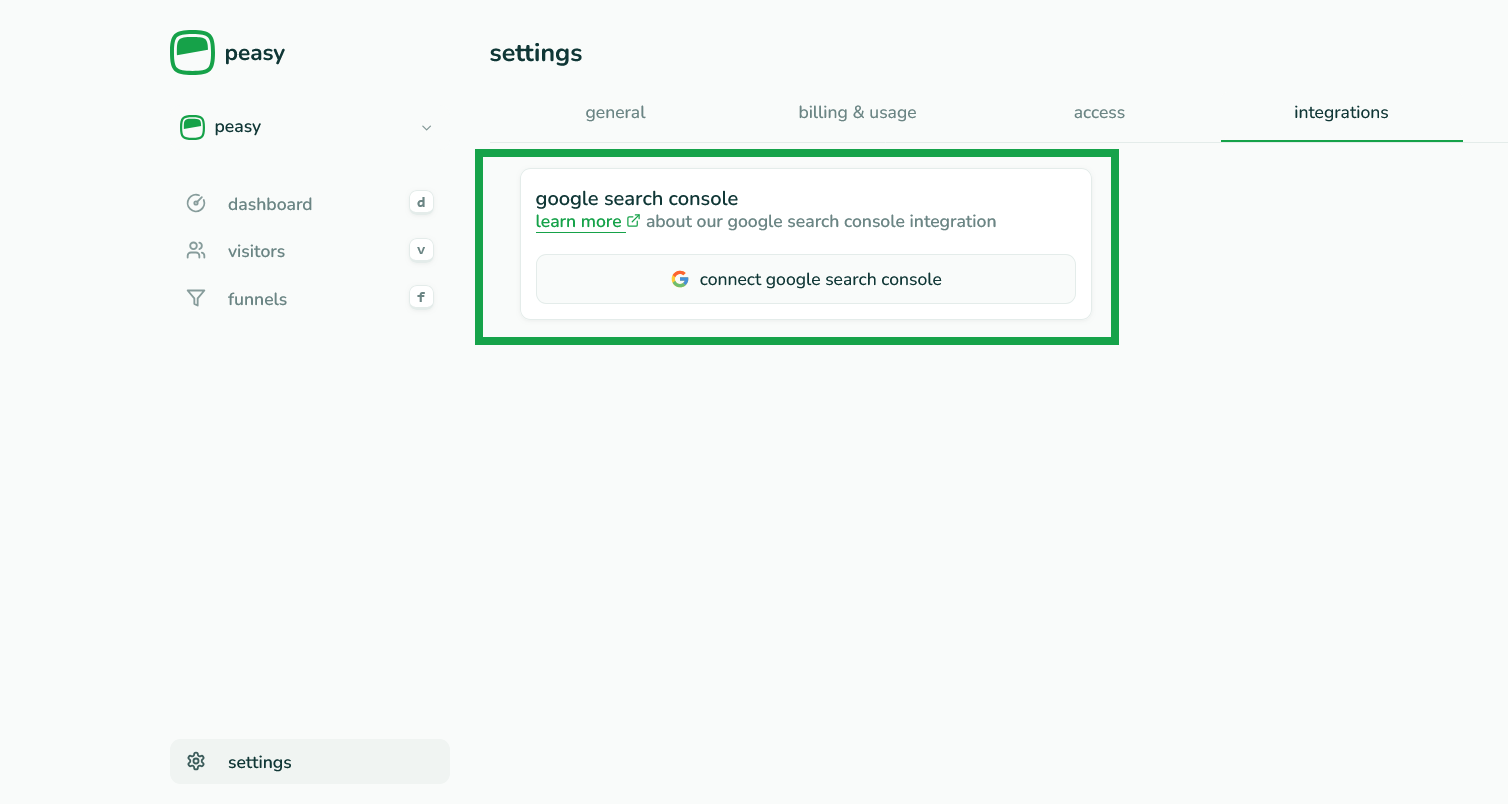
you will be redirected to Google to authorize access. click on the
continuebutton and grant peasy access to your Google Search Console data.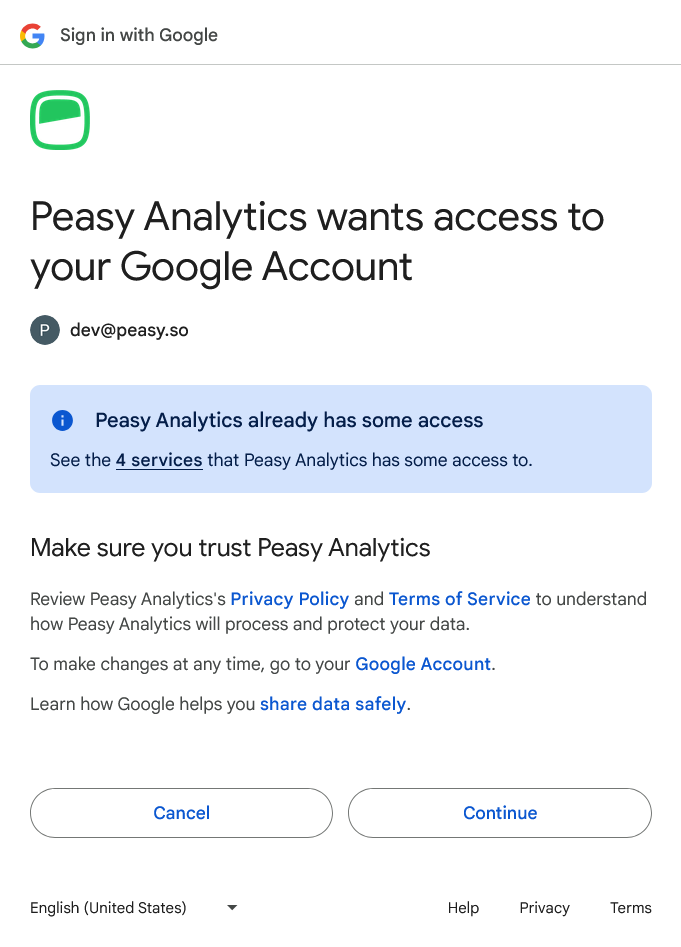
once authorized, you will be redirected back to peasy. you can then pick the site you want to link from the dropdown of properties associated with the google account. click the
linkbutton to connect the property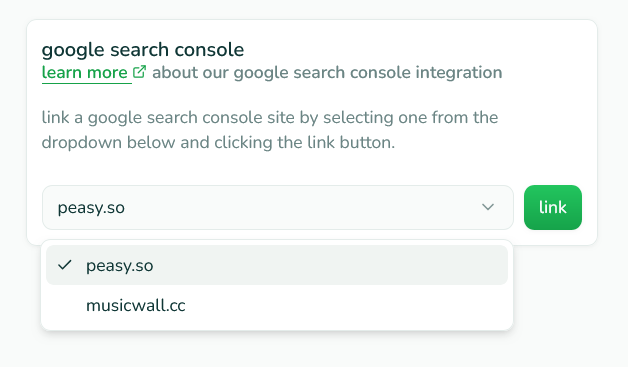
thats it! you will now see your Google Search Console data in the dashboard.